
Centre.
Short video guides and explanations for the Menu Editor — everything you need to manage your digital menu on your own.
Video guides →
4 topics · 13 videosCategories & menu structure
Guides for creating, editing, and ordering categories.
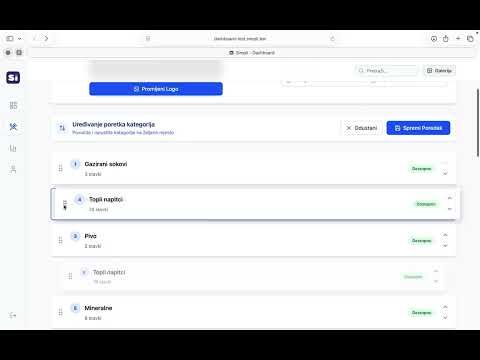
Promjeni poredak kategorije
Možete kontrolirati kojim redoslijedom će se kategorije prikazivati kada gost otvori vaš meni.
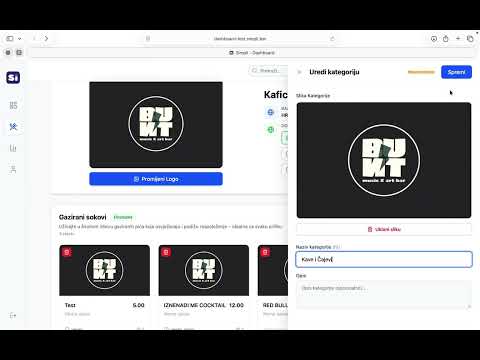
Dodaj novu kategoriju
Dodavanje kategorija omogućuje vam da organizirate svoj meni i olakšate gostima pregled proizvoda.
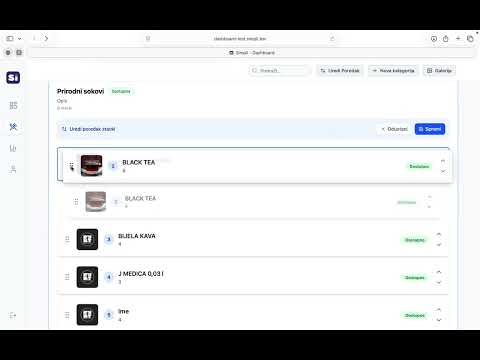
Promjeni poredak pića u kategoriji
Možete urediti kojim redoslijedom će se pića prikazivati unutar svake kategorije.
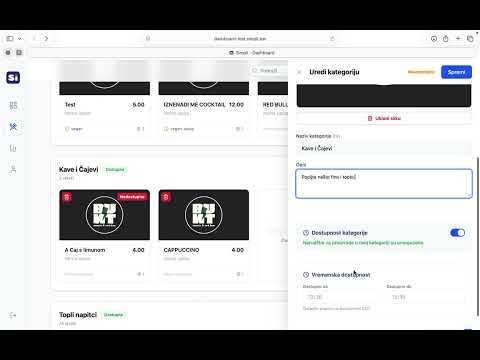
Kako urediti kategoriju
Uređivanje kategorije vrlo je slično uređivanju pića, uz jednu malu razliku.
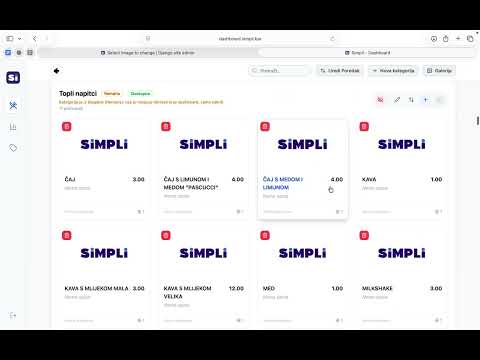
Kako sakriti kategoriju
Kategoriju mozete ukloniti iz prikaza na meniju bez trajnog brisanja.
Products & display
Everything around editing products, images, allergens, and upselling.
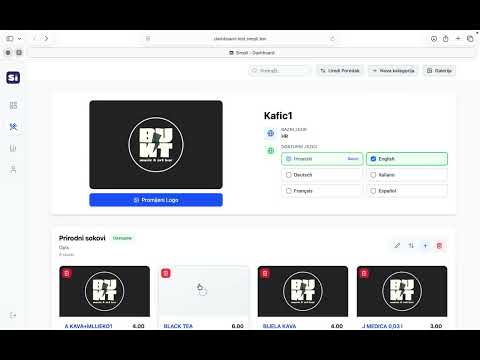
Dodavanje slika piću
Prikazivanje slike uz piće pomaže kupcima da brže prepoznaju proizvode.
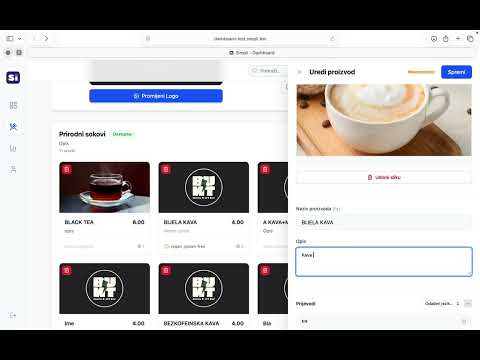
Kako urediti piće
Možete prilagoditi svaki proizvod u meniju kako bi informacije bile jasne i privlačne gostima.
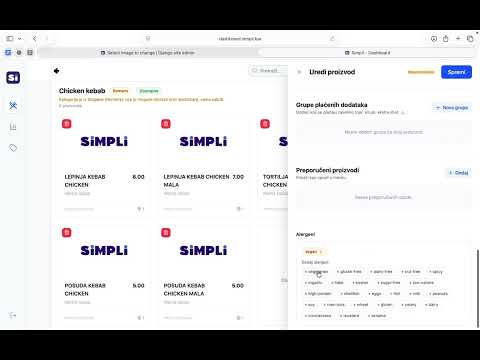
Dodavanje alergena zeljenom proizvodu
Svaki proizvod moze imati oznacene alergene kako bi gost imao jasne informacije prije narudzbe.
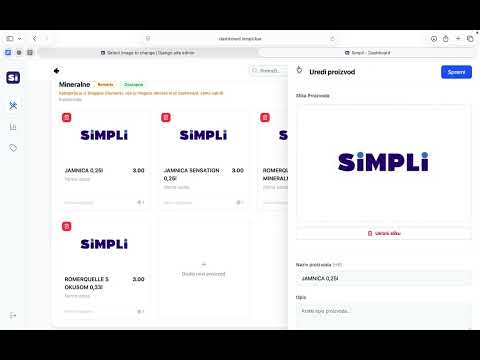
Kako maknuti proizvod
Proizvod mozete ukloniti iz aktivnog menija bez trajnog brisanja.
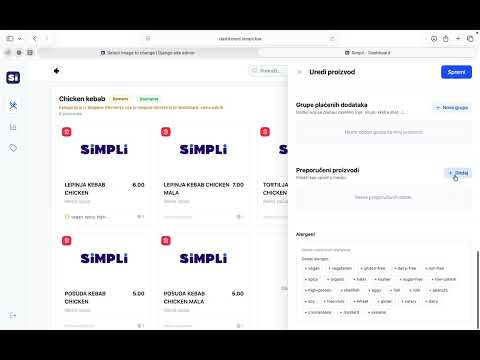
Kako napraviti upselling
Upselling omogucuje prikaz preporucenih proizvoda uz odabrano jelo ili pice.
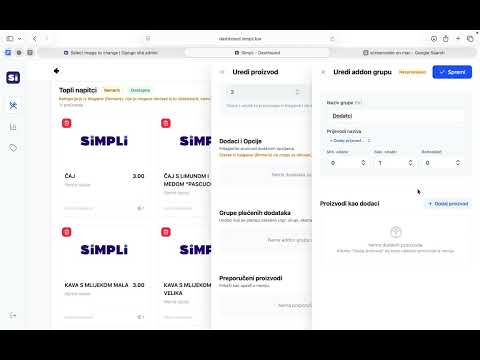
Add-ons & options
Setting up add-on groups and product options.
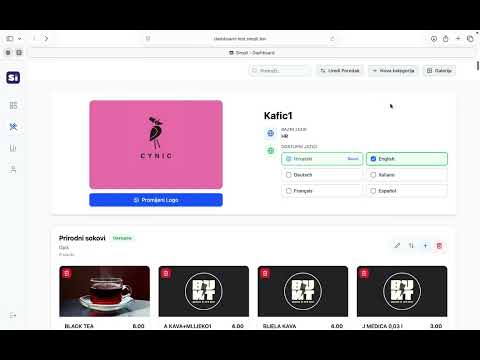
Languages & localisation
Enabling languages and translating menu content.
Service & billing.
01 · Initial menu setup
We do the first build.
To make your start easier, Simpli builds your first menu completely free. Our team prepares the structure, categories and drinks — you can take over later via the Learning Center, quickly and without hassle.
02 · Managed menu service
We handle it — €19.99/month.
If you don't want to edit the menu yourself, we offer a full managed service. Send updates by email and we'll handle the rest — new drinks, items, or any other changes.
Send updates during business hours to info@simpli.bar — they'll be live the next business day.
How to use the dashboard?
Once we agree on the partnership, you'll get a username and password to log in at dashboard.simpli.bar. The dashboard is the central place and has 4 sections:
Dashboard
For users on the tablet plan. Order management in three columns: Waiting (new), In progress (being prepared), Ready for pickup (done). A waiter marks the order done in one tap.
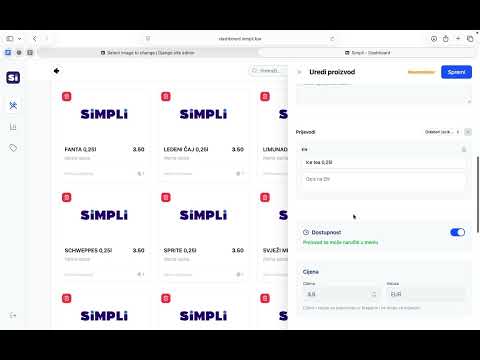
Menu Editor
Owners manage the menu themselves — adding drinks, categories, images, translations. Everything needed for modern digital-menu upkeep.
Analytics
All orders by day, week, month. Order graph through Simpli, top drinks and categories, average basket size.
Profile
Basic info about the venue — name, address, contact, fiscalisation and POS settings.